Keep hiring conversations inside the job board.
Message System gives employers, candidates, and site workflows a more organized way to communicate without pushing every conversation into separate email threads.
Messages keep communication closer to jobs, resumes, and applications.
Communication should stay connected.
Message System helps reduce scattered follow-up outside the job board.
Hiring slows down when conversations leave the workflow.
When every question moves to email, employers and candidates lose context. A built-in message layer keeps communication closer to the job-board activity.
Connected messages
Keep communication near jobs, resumes, and applications.
Better follow-up
Make employer-candidate contact easier to manage.
Cleaner history
Reduce lost context from scattered email-only communication.
Premium workflow
Adds a serious hiring-portal experience.
From profile or application to connected conversation.
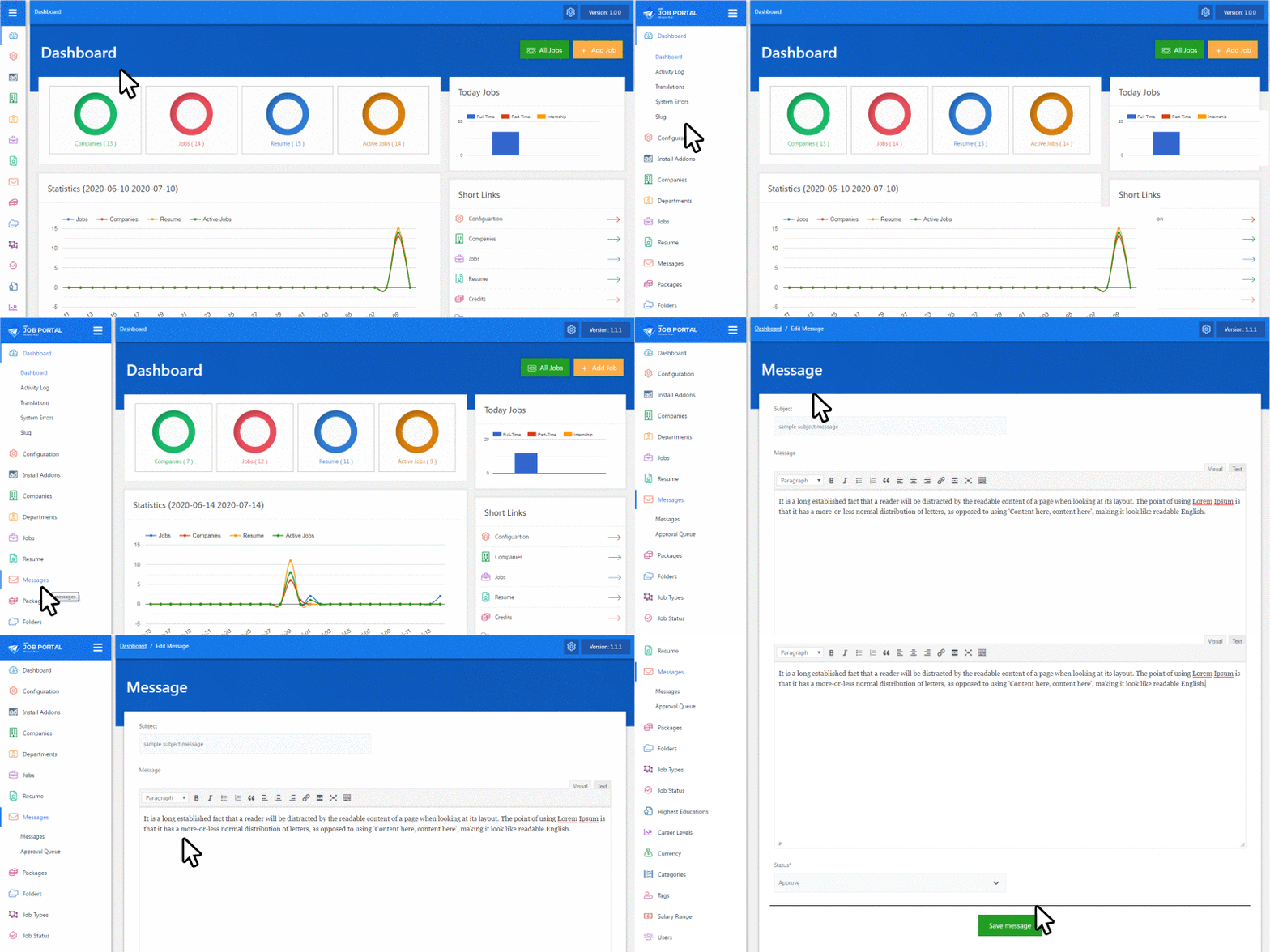
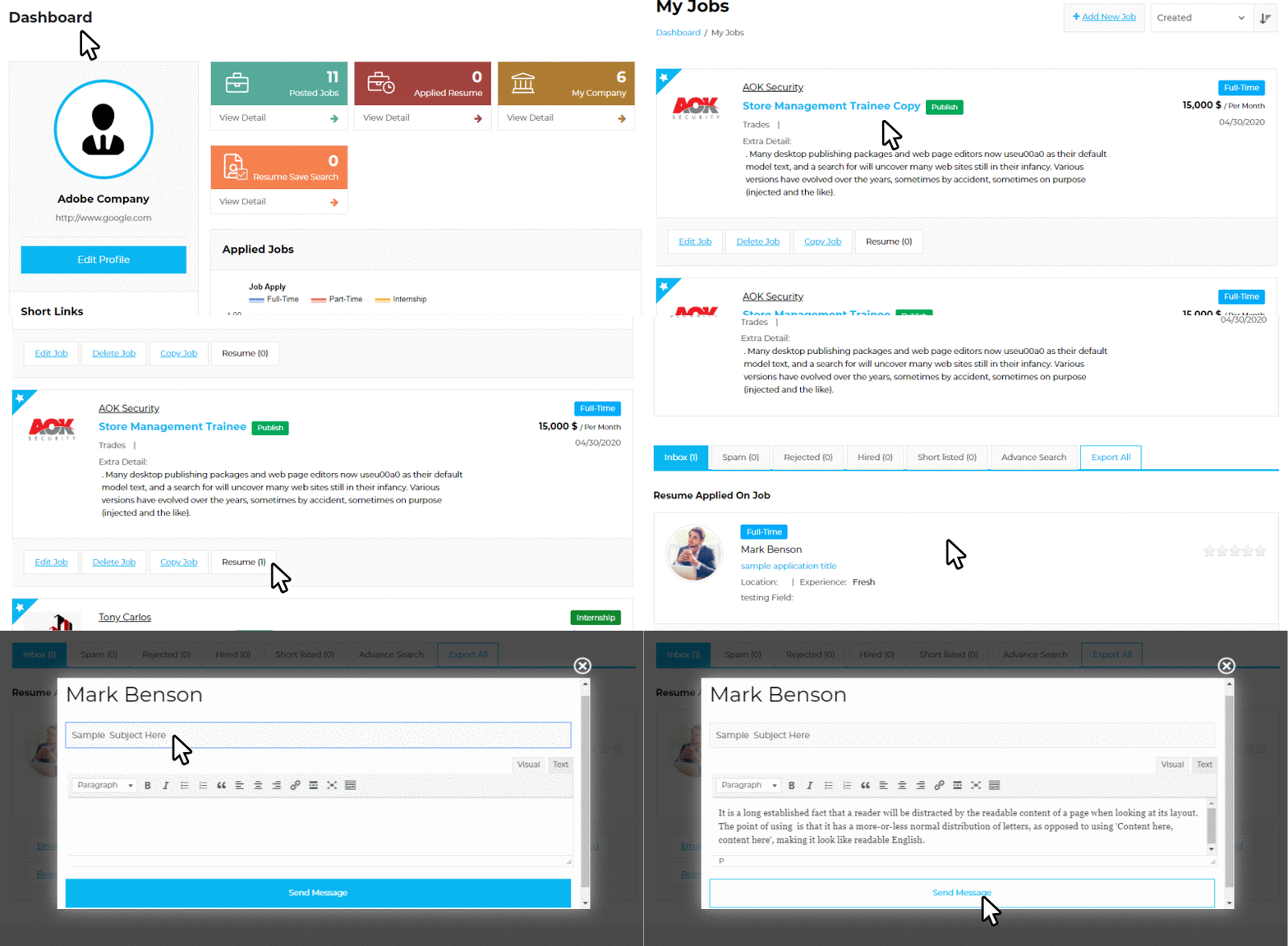
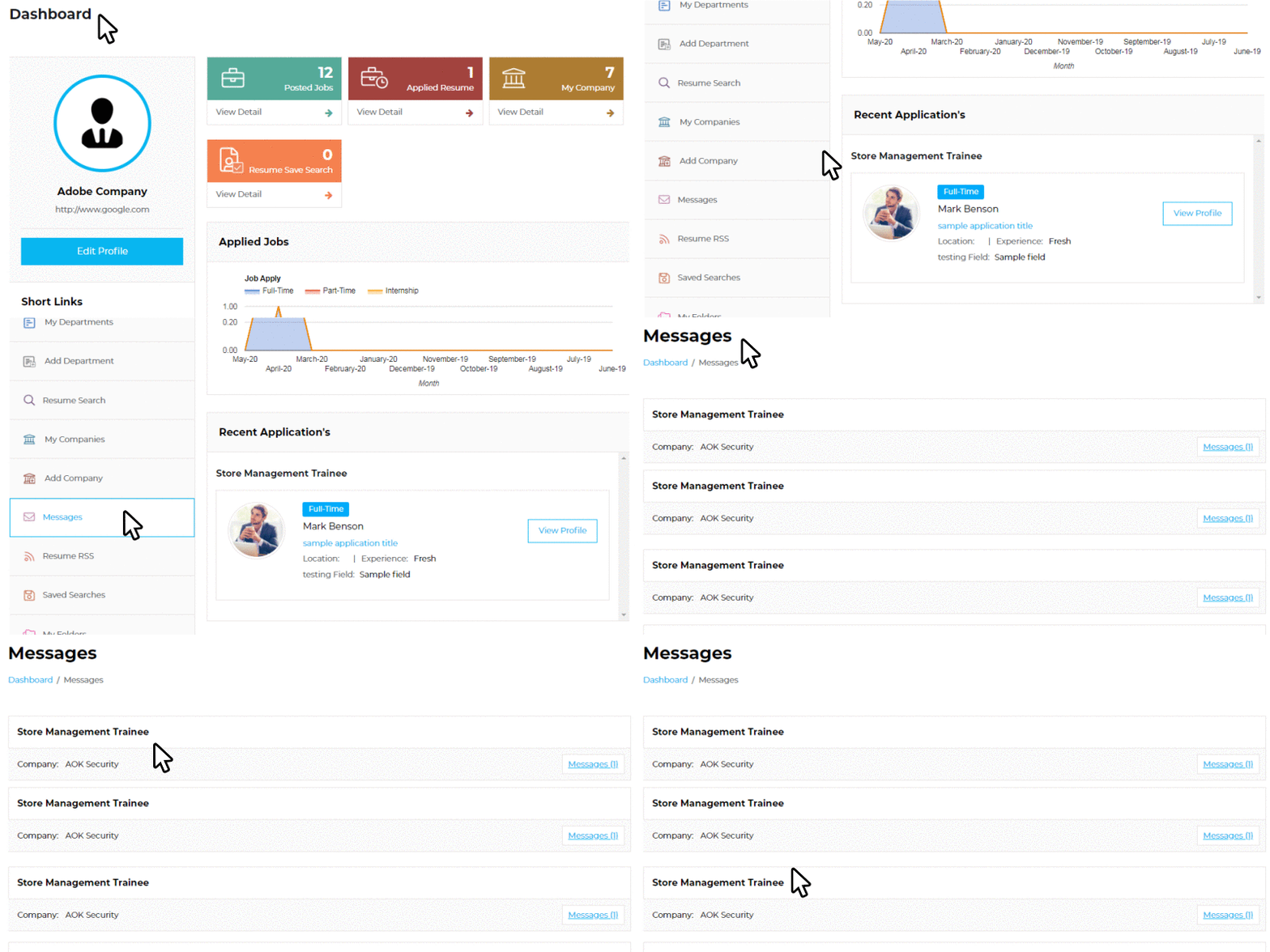
Message System adds communication actions into the job-board workflow so users can ask questions and continue conversations more naturally.
Open context
Employer views a candidate, resume, or application.
Start message
The user sends a relevant message from the workflow.
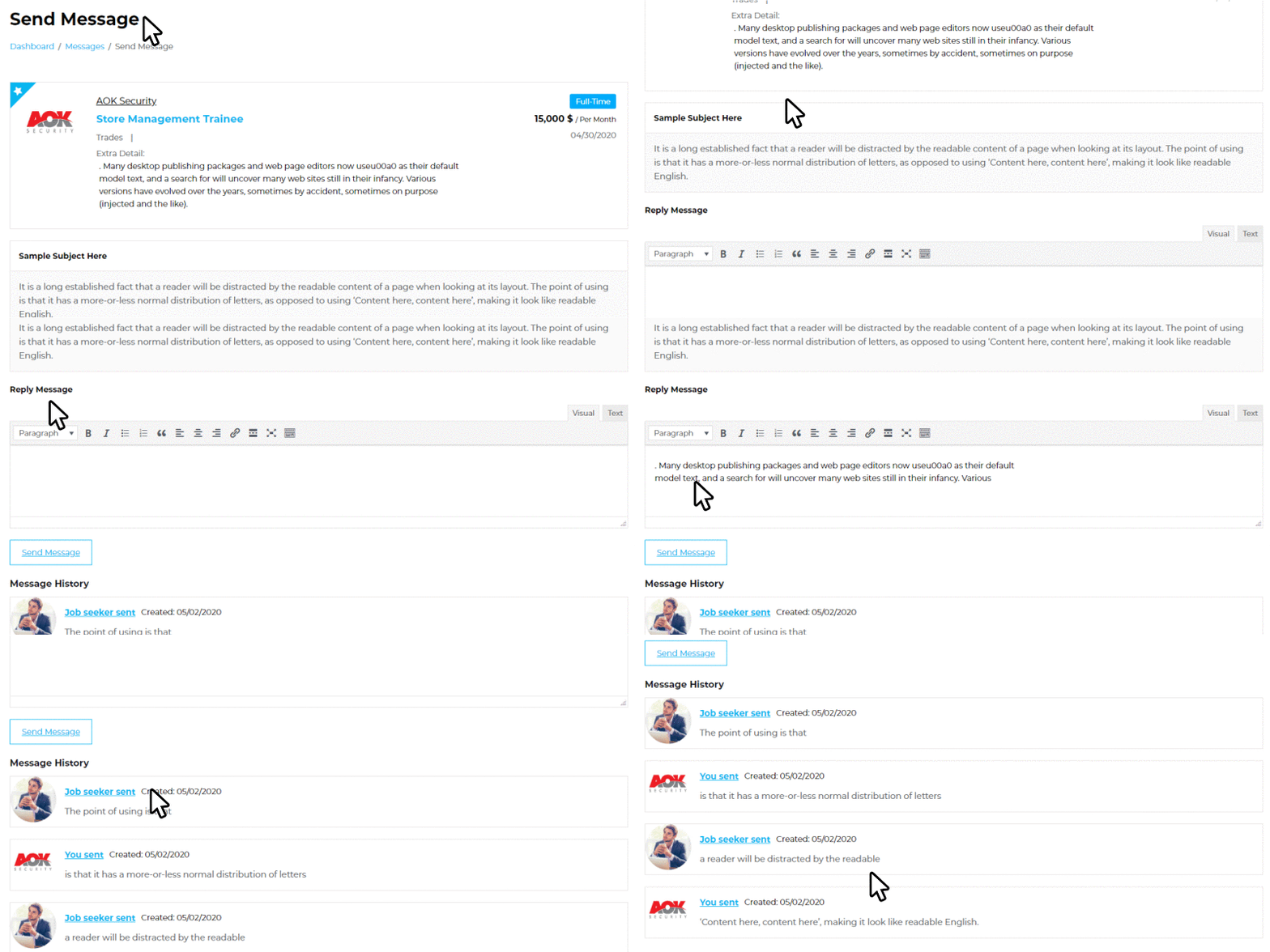
Continue thread
Replies stay connected in a message history.
Take action
Users follow up, shortlist, or continue the hiring process.
Messaging works best when it stays tied to hiring context.
The value is not only sending a note. The value is keeping the conversation connected to jobs, resumes, and decisions.
application → message thread
resume review → employer question
candidate reply → next hiring action
Messages should feel part of the hiring workflow.
The best message experience is connected to the job, candidate, or application that caused it.
Admin view
Control
User view
Workflow
✓
✓
✓
Use Message System when follow-up matters.
Message System is best when employers and candidates need to communicate after applications, resume searches, or shortlists.
- Employers need candidate follow-up
- Candidate questions are common
- You want conversations tied to job-board context
Best for
Employer workspaces and multi-company hiring portals.
Pair with
Resume Search, Shortlist Job, Resume Action, and Job Alert.
Buyer value
Reduces scattered communication and improves follow-up.
Not needed when
All contact happens outside the site and does not need tracking.
Same Message System. Choose how many sites need it.
The add-on works the same on every license. Pick the site count that matches your deployment today.
Single Site
1 site
Best for one production job board or company hiring portal.
- Message System add-on
- Use on one website
- Updates and support period
5 Sites
Popular
Best value for owners running more than one job-board website.
- Everything in Single Site
- Use on up to five websites
- Lower cost per website
25 Sites
Scale
Best for broad deployment across multiple WordPress sites.
- Use across up to 25 websites
- Best per-site value
- Clear license coverage
Connect the buttons to your real checkout links later.
Message System FAQ
What does Message System add?+
It adds a communication layer for job-board users so conversations can stay closer to hiring workflows.
Who uses it?+
Employers, candidates, and site workflows depending on configuration.
Does it replace email?+
No. It can work alongside email notifications while keeping message context in the portal.
When should I buy it?+
Buy it when employers need better candidate follow-up inside the job board.
Keep hiring conversations connected to the workflow.
Add Message System when employers and candidates need clearer communication inside WP Job Portal.